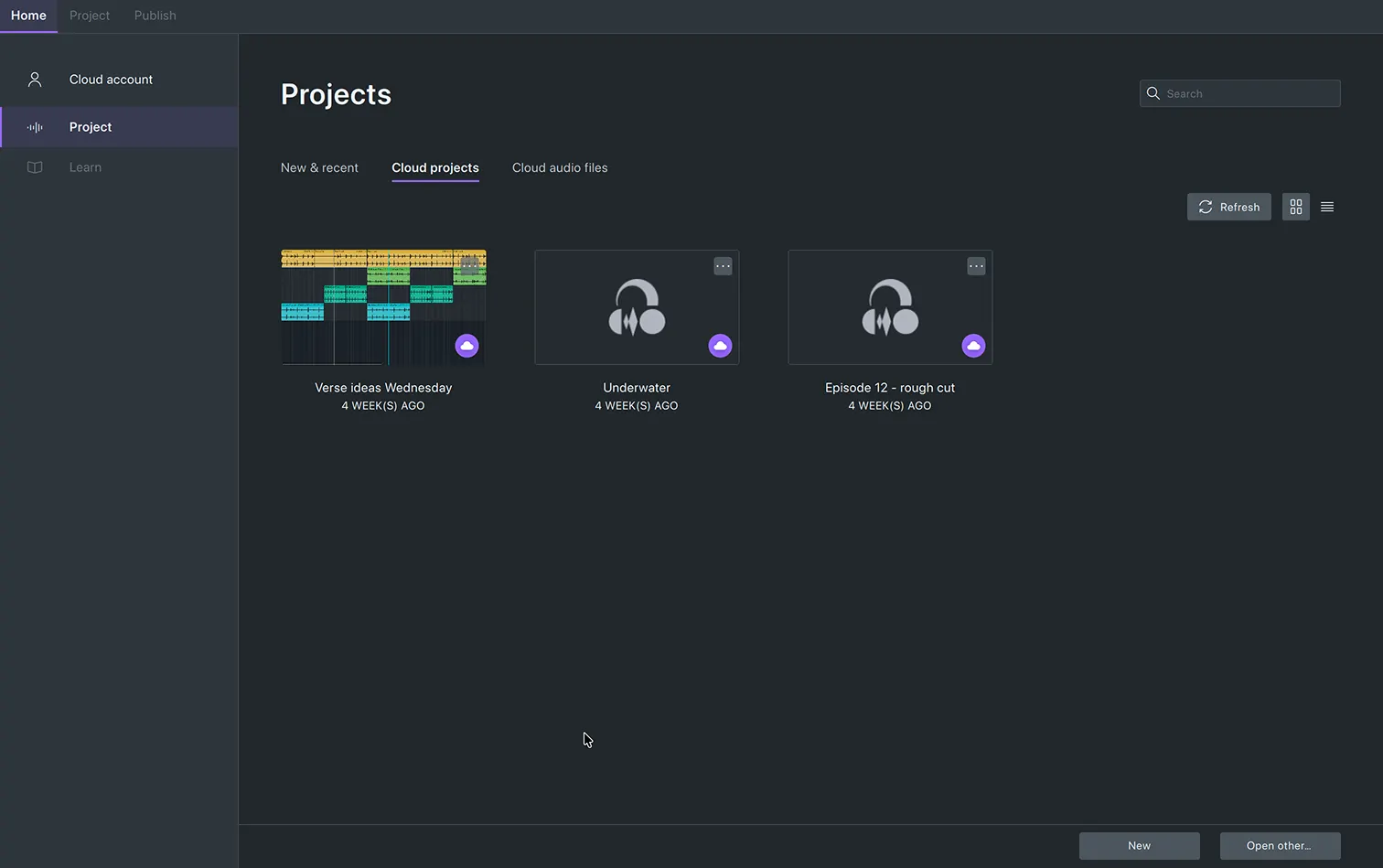
Keep track of your projects
Open your projects from the Cloud projects tab, or view them in audio.com.
Built for you
Built for you
We've paid as much attention to the classics as the new features
The top handle trims the clip. The bottom handle stretches it. Simple.
Track meters show input levels while recording, and playback levels the rest of the time. Use them to dial in your mix.
Mark a point or a region on the timeline to annotate your project. Export audio based on your labels.
The loop range now has its own row in the timeline ruler, and a single toggle can turn it on or off.
No need to switch to the “Draw” or “Multi-tool”. Zoom all the way in and drag samples directly.
Each workspace changes the tools in your toolbar. It also swaps the ruler between seconds and bars and beats. You can build your own workspace to further personalize Audacity.
Set up the new UI however you like, from accent colors to themes.
Choose an accent color and apply it throughout your app.
Switch between light and dark themes, each with a high-contrast variant.
Give each clip its own color, or keep the classic look from Audacity 3.
The playback meter can now be positioned vertically, making use of the application's full height.
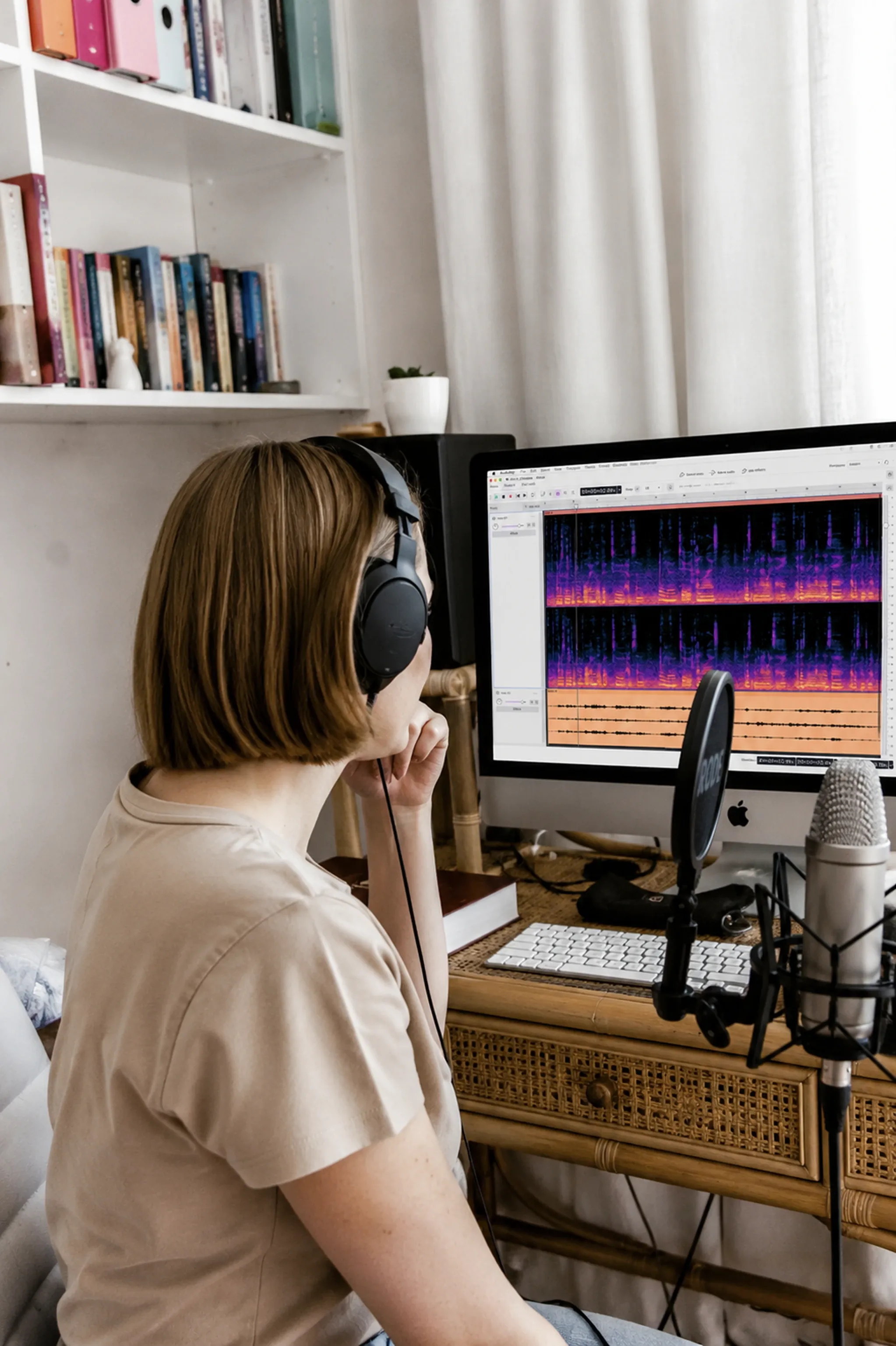
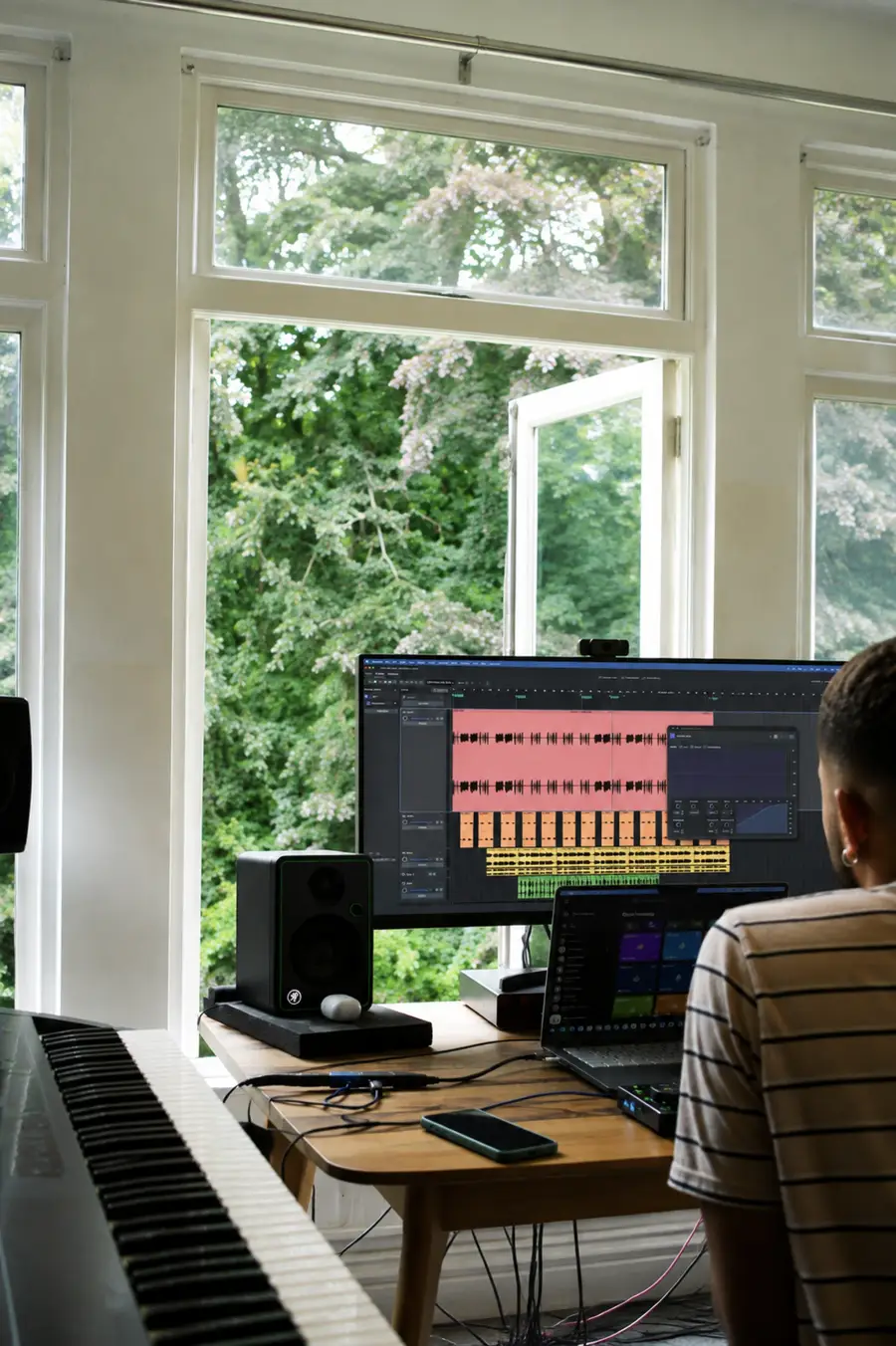
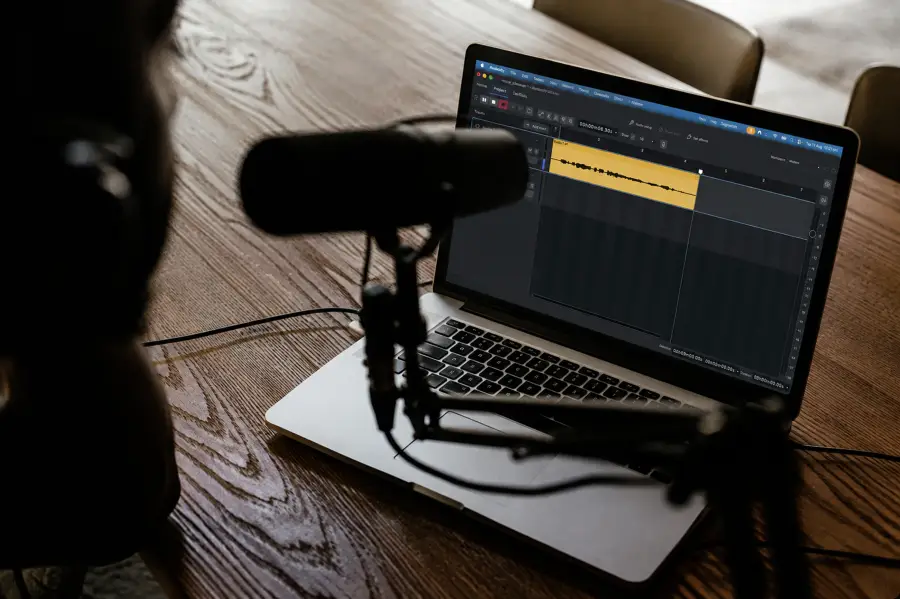
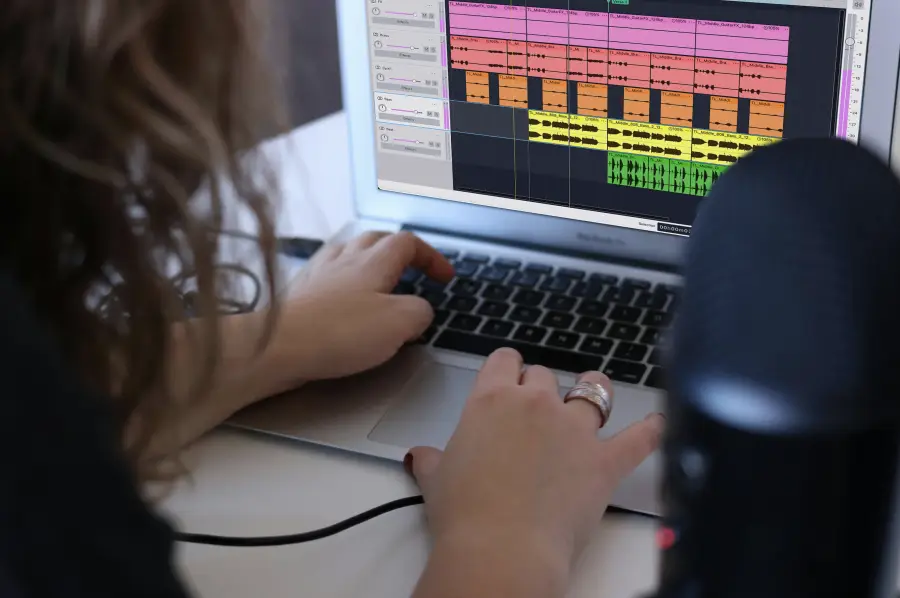
Audacity 4 is built for the full range of everyday audio work, from restoring old recordings to making music, cutting podcasts, and editing audio for video.
Save to the cloud, share with the world. It's that simple with audio.com
Open your projects from the Cloud projects tab, or view them in audio.com.
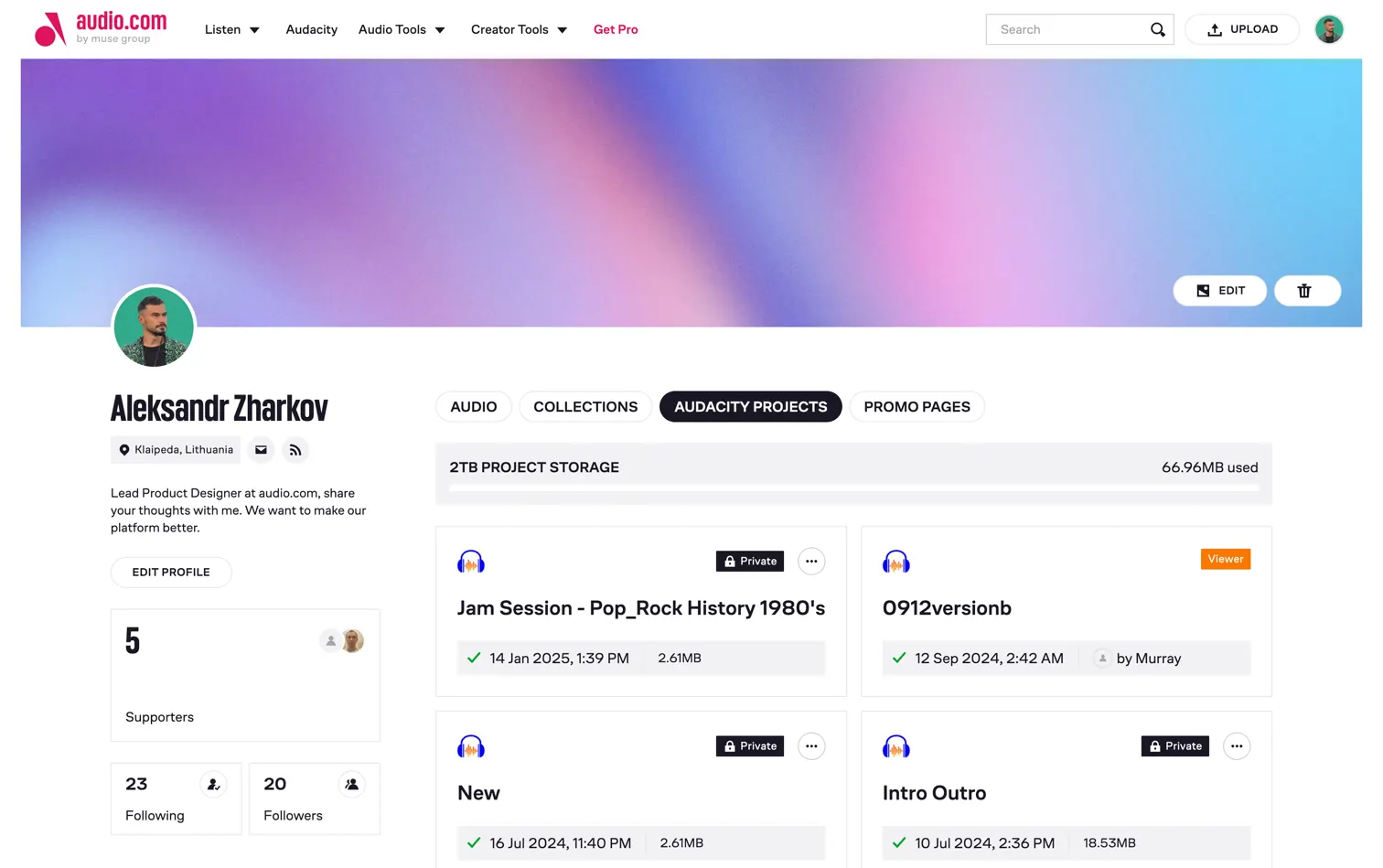
Upload your project to your profile, or export audio directly to the audio.com community.
Every effect window has been rebuilt, inside and out.
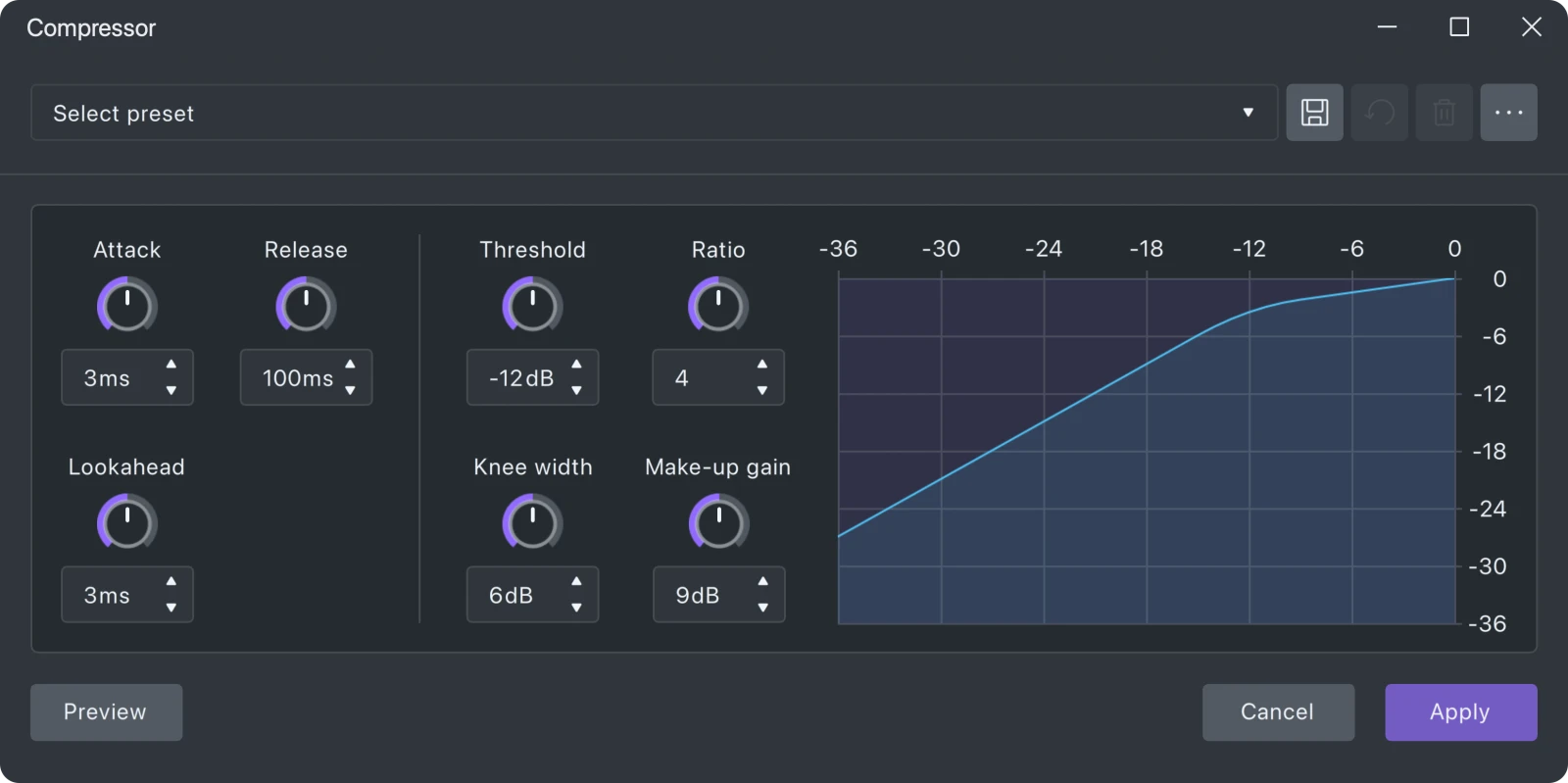
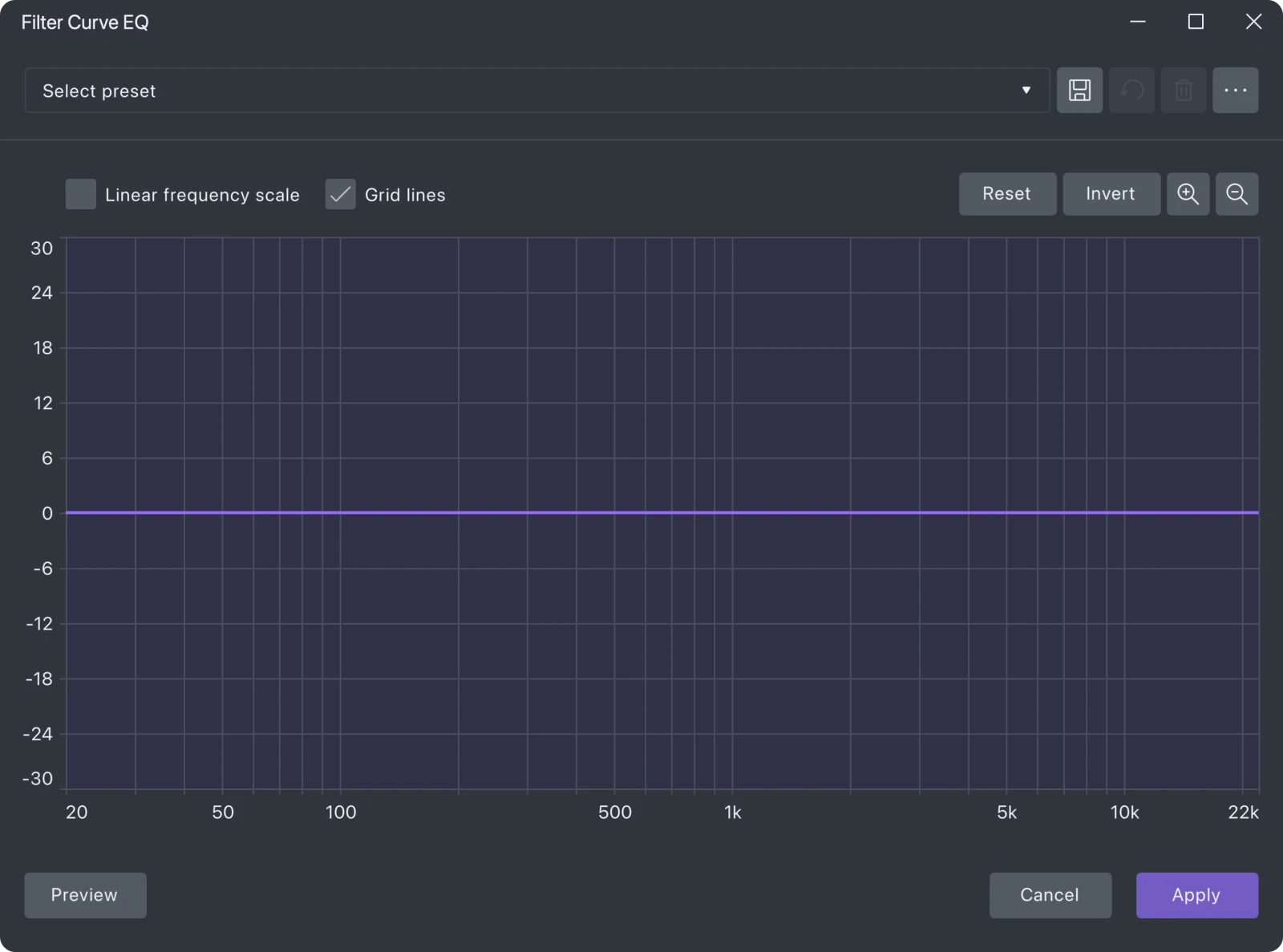
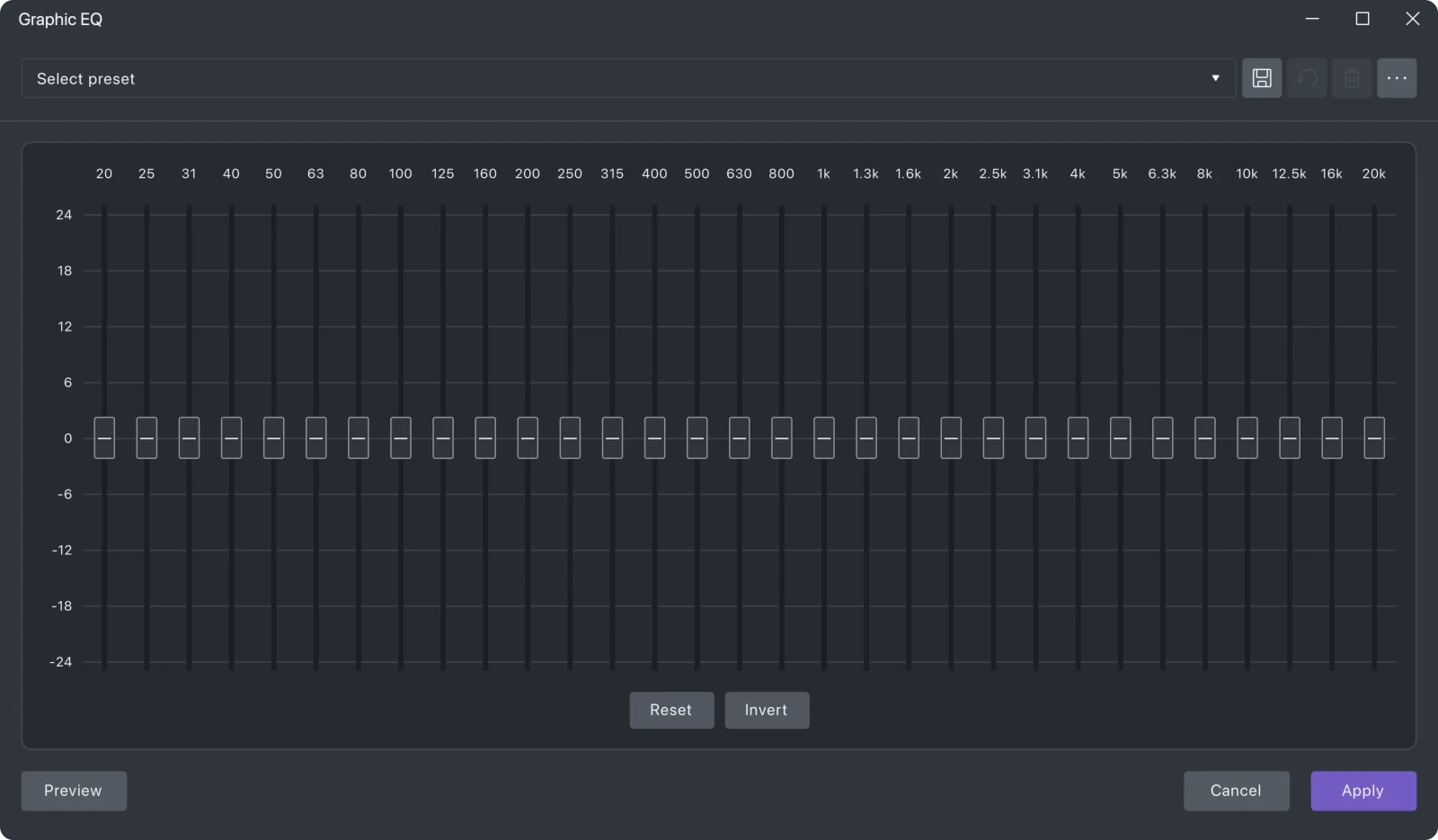
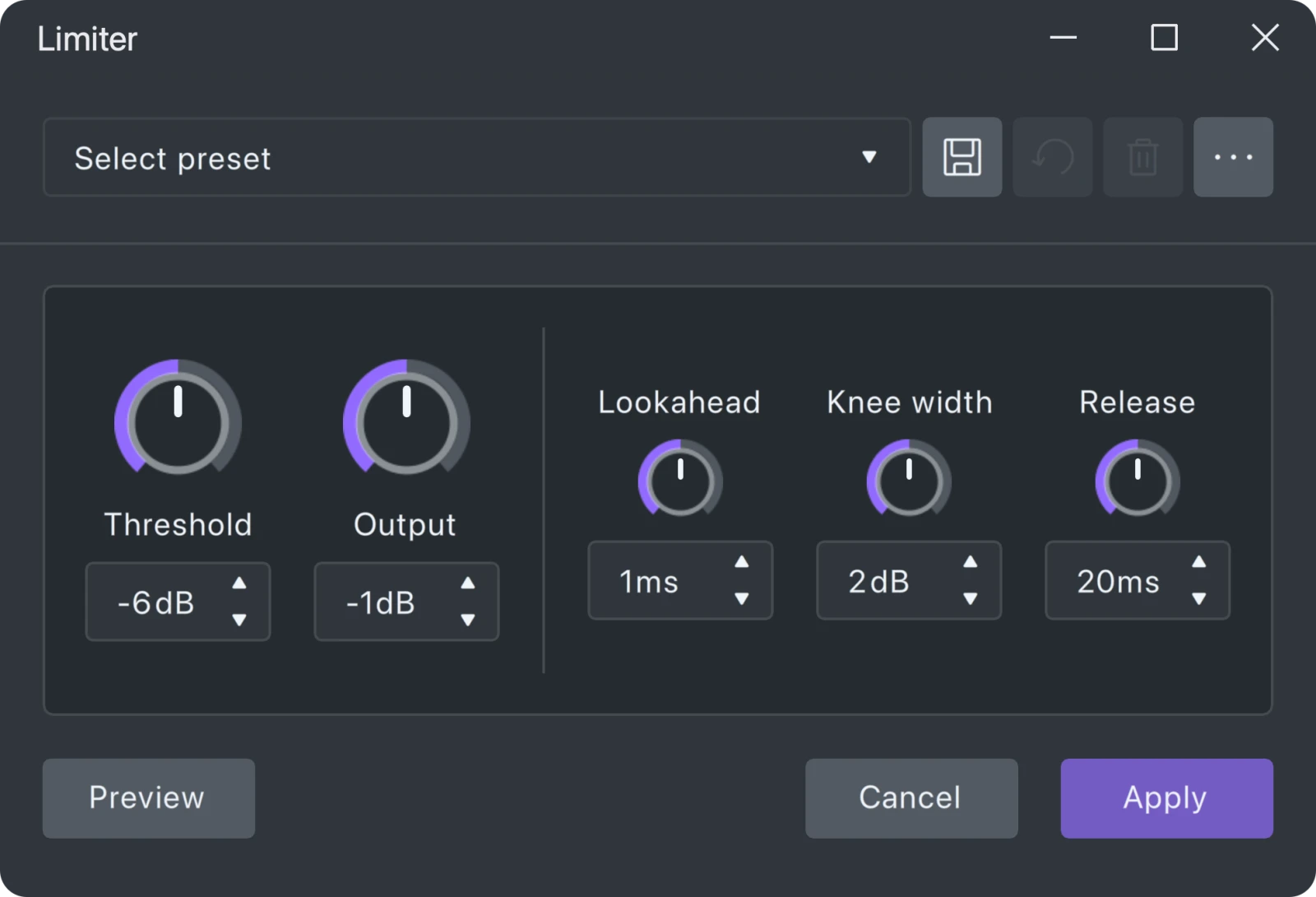
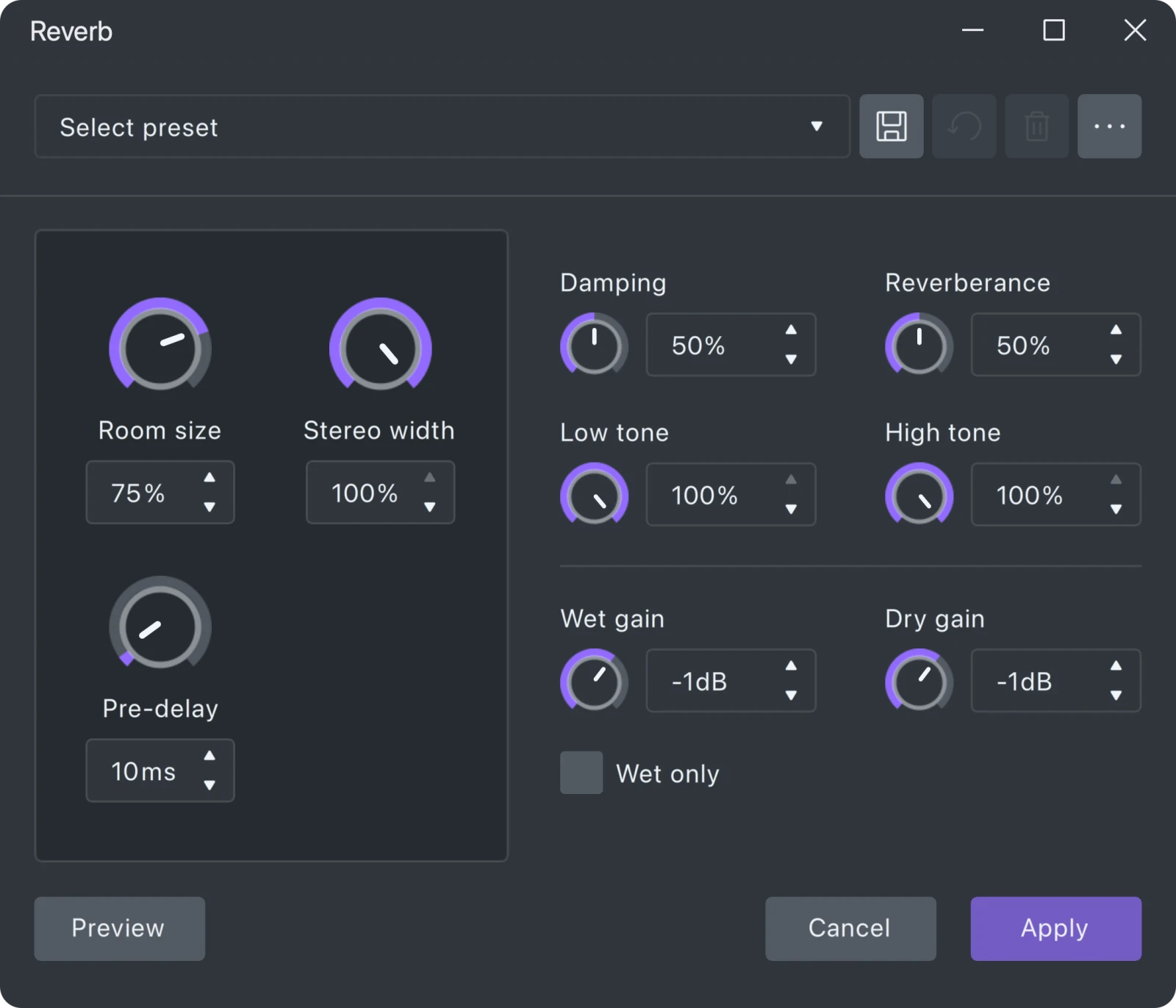
Open "Get Effects" to browse thousands of plugins, samples, and oneshots from MuseHub. Including free and paid options.
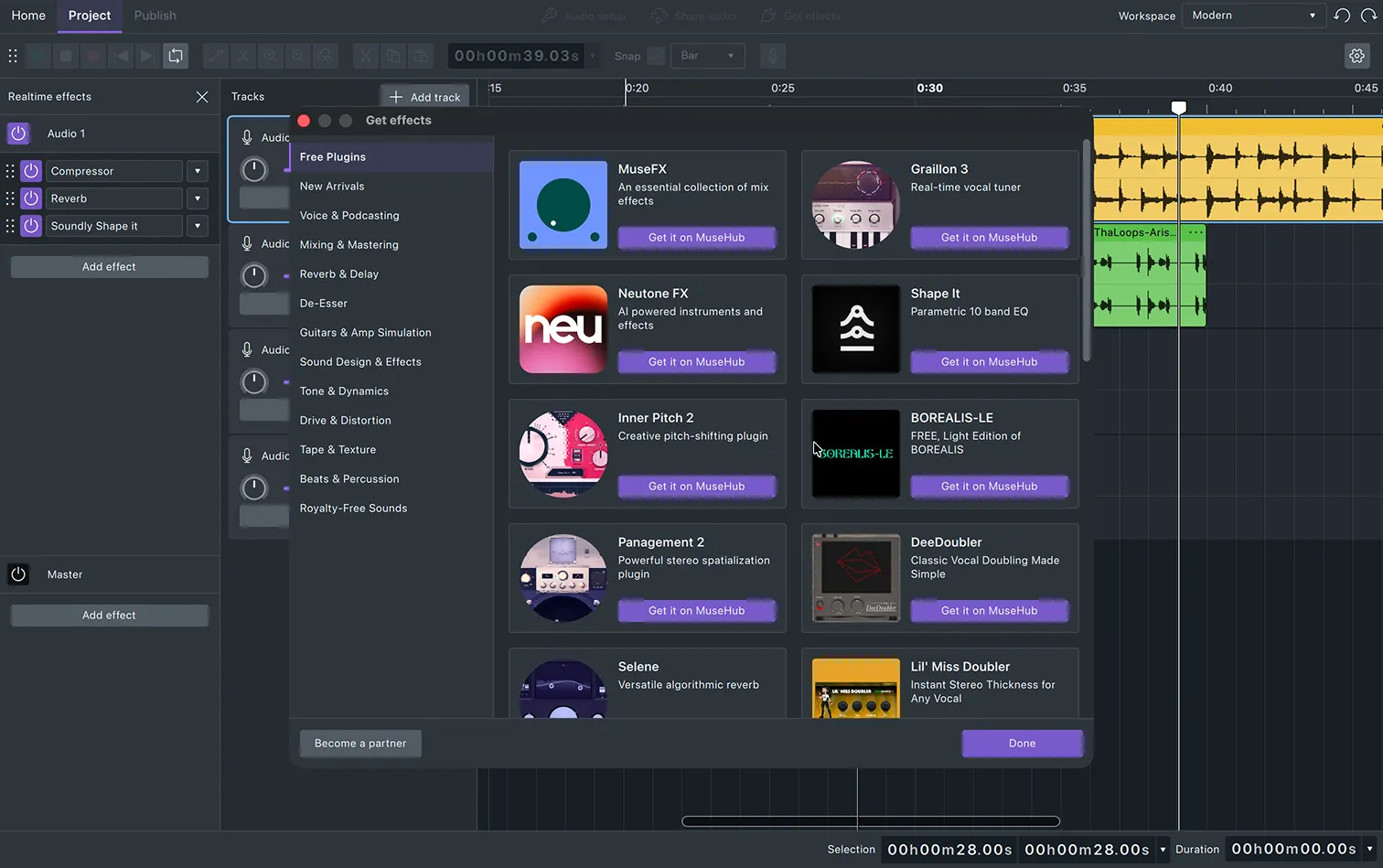
Get Effects lists everything available from MuseHub, sorted by category.
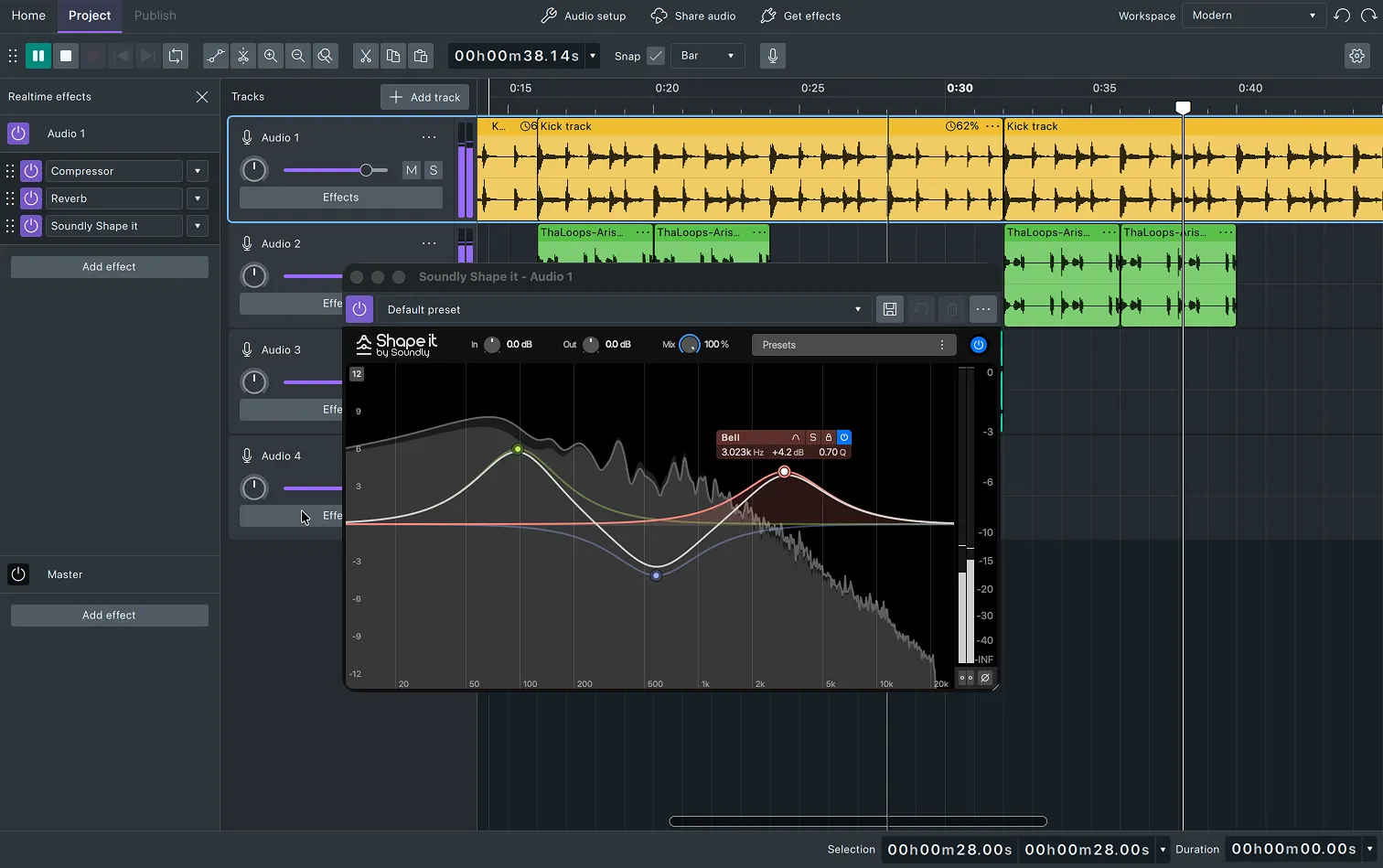
MuseHub effects sit in the same effect chain as Audacity's built-in ones. Couldn't be simpler.
Our interface is rebuilt on Qt, a modern codebase that runs natively on macOS, Windows and Linux.
Open-standard LV2 plugins load right alongside VST3 and Audio Units, with no wrappers required.
Every .aup3 file from Audacity 3 opens directly in Audacity 4, exactly as you saved it.
The same free, open-source license Audacity has always shipped under. Auditable and redistributable.
We are fully remote, so a video call is how we see each other most days. Say hello.
Audacity 4 is free, open source, and available for macOS, Windows, and Linux.