Customizing
Changing clip color
Give a clip, or every clip on a track, its own color from the three-dot menu.
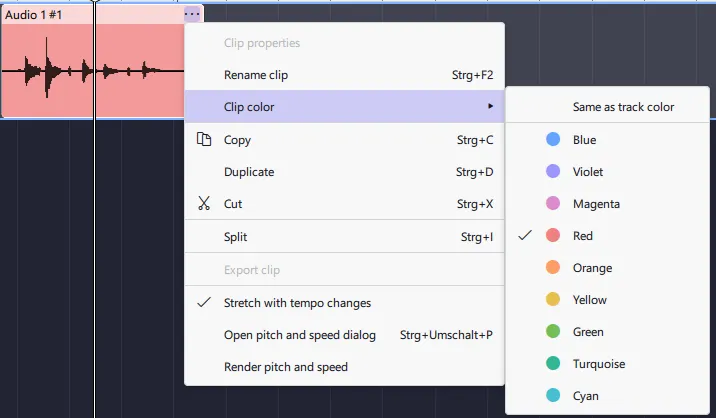
Changing color per clip
To change clip color, click on the 3-dot menu on the top right of the clip and select Clip color. You then are given the choice between several colors.
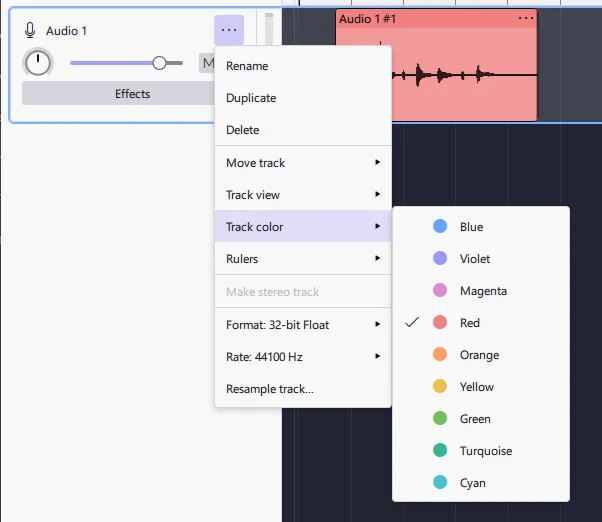
Changing color for an entire track
To change the color for all clips on a track, click on the 3-dot menu on the track header and select Track color. You then are given the choice between several colors.
Last updated