Analyzers
Beat Finder
Place a label on every beat it detects in the selected audio.
Beat Finder follows the bass content of a track and drops a label at each point where it rises past a threshold. On music with a clear kick drum or bass line that gives you a label track marking the beats, which you can then use for navigation, for cutting to the beat, or as the basis of a click track.
Where to find it
Analyze → Beat finder, with audio selected.
Controls
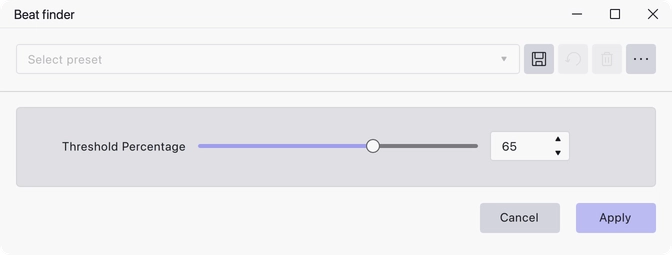
- Threshold Percentage — how strong a peak has to be before it counts as a beat, as a percentage of the strongest peak found. Range 5 to 100, default 65.
Notes
The threshold is relative to the loudest beat in the selection, not an absolute level, so the same setting behaves differently on different material. Lower it if beats are being missed, raise it if the label track is picking up things that are not beats.
Detection works from the low end — the audio is mixed to mono and low-pass filtered before the peaks are looked for — so it finds beats reliably on material with a strong bass pulse and poorly on material without one.
Every label is given the text B. The result is a label track added to the
project; nothing in the audio is changed, and the label track can be undone
like any other edit.
Last updated