Toolbars
Playhead position
The playhead position, as a number you can read and edit.
The playhead position, as a number you can read and edit.
Timecode
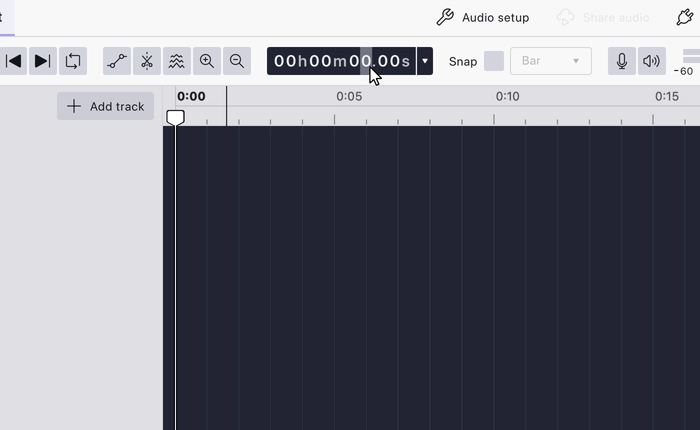
Shows the playhead’s current position, and lets you type a position to move it. Clicking a digit selects it for editing.
The timecode can be displayed in any of these formats:
| Format | Shows |
|---|---|
dd:hh:mm:ss |
Days, hours, minutes, seconds |
hh:mm:ss |
Hours, minutes, seconds |
hh:mm:ss + hundredths |
Clock time to 1/100 s |
hh:mm:ss + milliseconds |
Clock time to 1/1000 s |
hh:mm:ss + samples |
Clock time plus a sample count |
hh:mm:ss + frames |
Clock time plus a video frame count |
samples |
A raw sample count |
seconds |
Whole seconds |
seconds + milliseconds |
Seconds to 1/1000 s |
film frames |
Film frames |
beats:bars |
Musical position, following project tempo |
Hz |
Frequency |
Choosing beats:bars makes the timecode musical rather than clock-based, so
it follows Tempo and
Time Signature.
It is present in every workspace.
Last updated