Timeline
Toggle Loop Region
Turn looping on and off without disturbing the loop region itself.
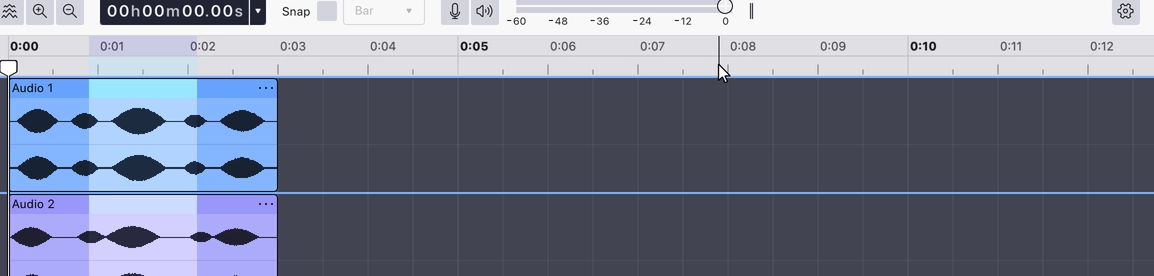
Turns looping on and off. While it is on, playback repeats the loop region — the stretch marked out in the upper half of the timeline ruler — instead of running on to the end of the project. Turning it off leaves the region defined but inactive, so you can switch it back on later without setting it up again.
Drawing a new loop region on the ruler turns looping on for you.
Where to find it
Right-click the timeline ruler and choose Toggle loop region, or press
Last updated