Home screen
Home screen
The screen Audacity shows when no project is open, and the tab that returns to it.
Home is the screen Audacity shows when no project is open, and the one the Home tab at the top left returns you to at any time. It is a project browser: nothing on it edits audio. The Project tab beside it switches back to the editing view, and stays greyed out until a project is open.
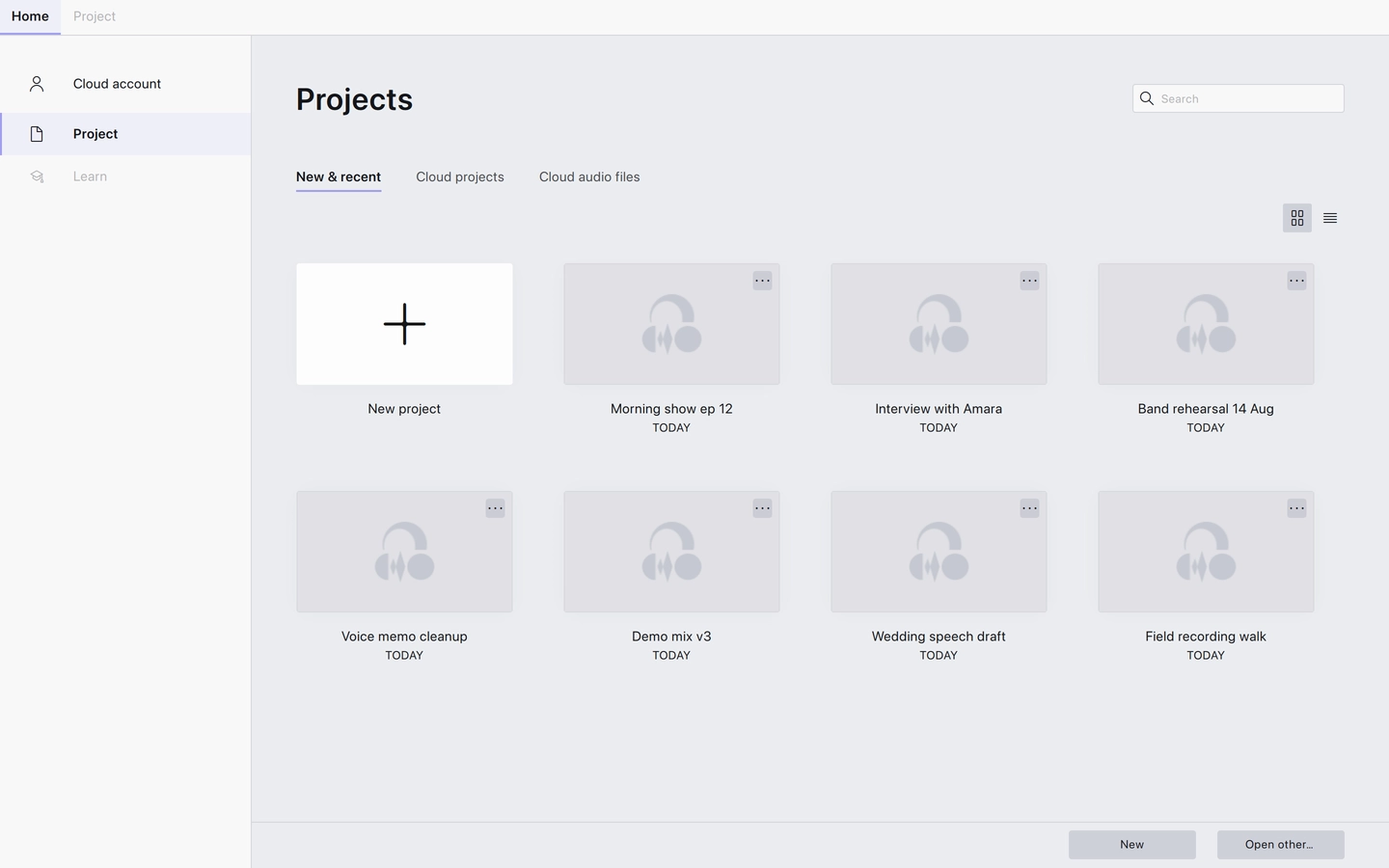
Down the left is a narrow menu, which collapses to icons when the window is narrow:
- Cloud account: your audio.com account. Only shown when cloud support is enabled.
- Project: the projects browser, which is what Home opens on.
- Cloud account The audio.com account item in the Home screen's menu.
- Project The projects browser — finding, opening and starting projects.
Last updated