Timeline
Minutes & Seconds
Label the timeline ruler in clock time rather than bars and beats.
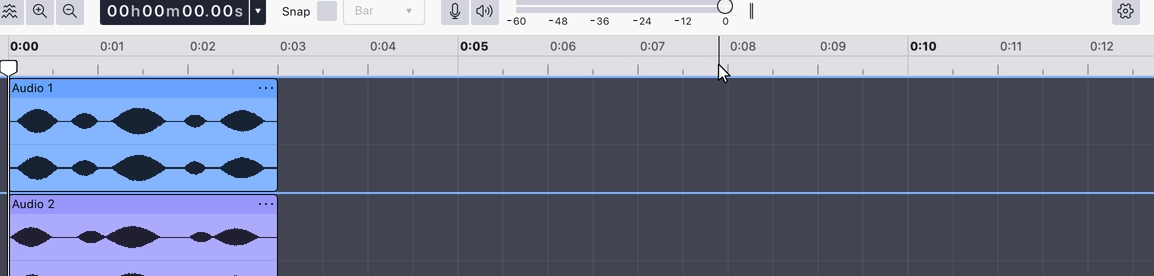
Sets the timeline ruler to clock time — hours, minutes, seconds and, as you zoom in, fractions of a second. The tick spacing adapts to the zoom level, running from hours at the widest view down to microseconds at the closest.
This is one of two ruler formats; the other is Beats & measures. Choosing one turns the other off, and the grid lines behind the tracks follow whichever is chosen.
Where to find it
Right-click the timeline ruler and choose Minutes & seconds. The item is checked while it is the active format.
Last updated