Timeline
Creating a Loop also Selects Audio
Keep the selection in step with the loop region as you draw or adjust it.
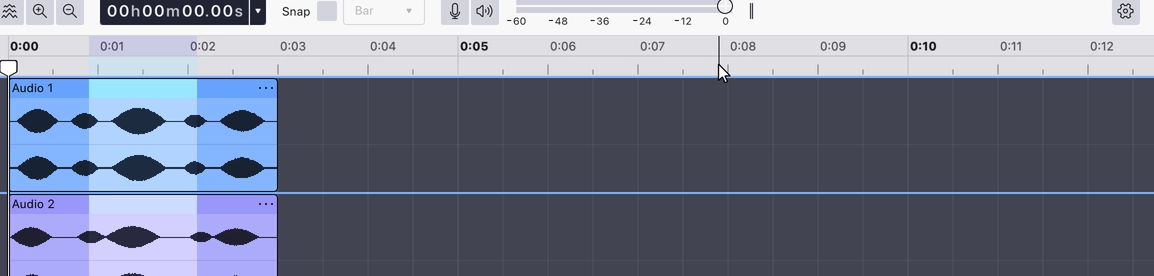
Keeps the selection tied to the loop region. With this on, every change to the region — drawing a new one, dragging an edge, moving it along the timeline — updates the time selection to match, across all tracks. With it off, the loop region and the selection are independent.
It is off by default.
Where to find it
Right-click the timeline ruler and choose Creating a loop also selects audio. The item is checked while it is on.
Notes
- This is the automatic version of Set selection to loop, which does the same thing once, on demand.
Last updated