Home screen
Cloud account
The audio.com account item in the Home screen's menu.
Cloud account shows the audio.com account Audacity is connected to. The item appears in the Home screen’s menu only when cloud support is enabled.
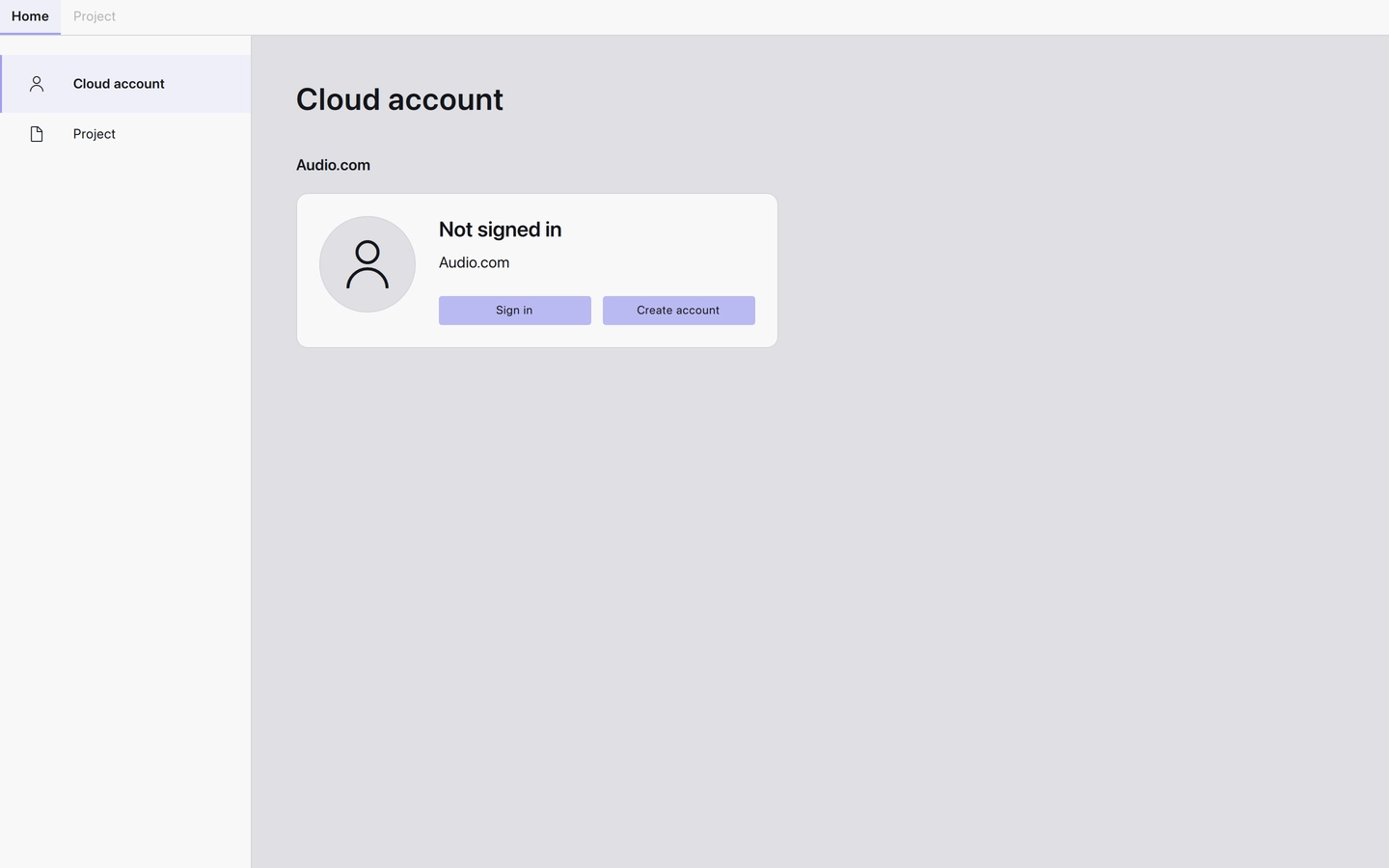
Before signing in, the card offers Sign in and Create account. Signing in connects Audacity to audio.com, which is what saving to the cloud and the Cloud projects and audio files tabs use. Signing out empties those tabs again.
Last updated