Home screen
Cloud Projects & Audio Files
The two Home tabs that list what you have stored on audio.com.
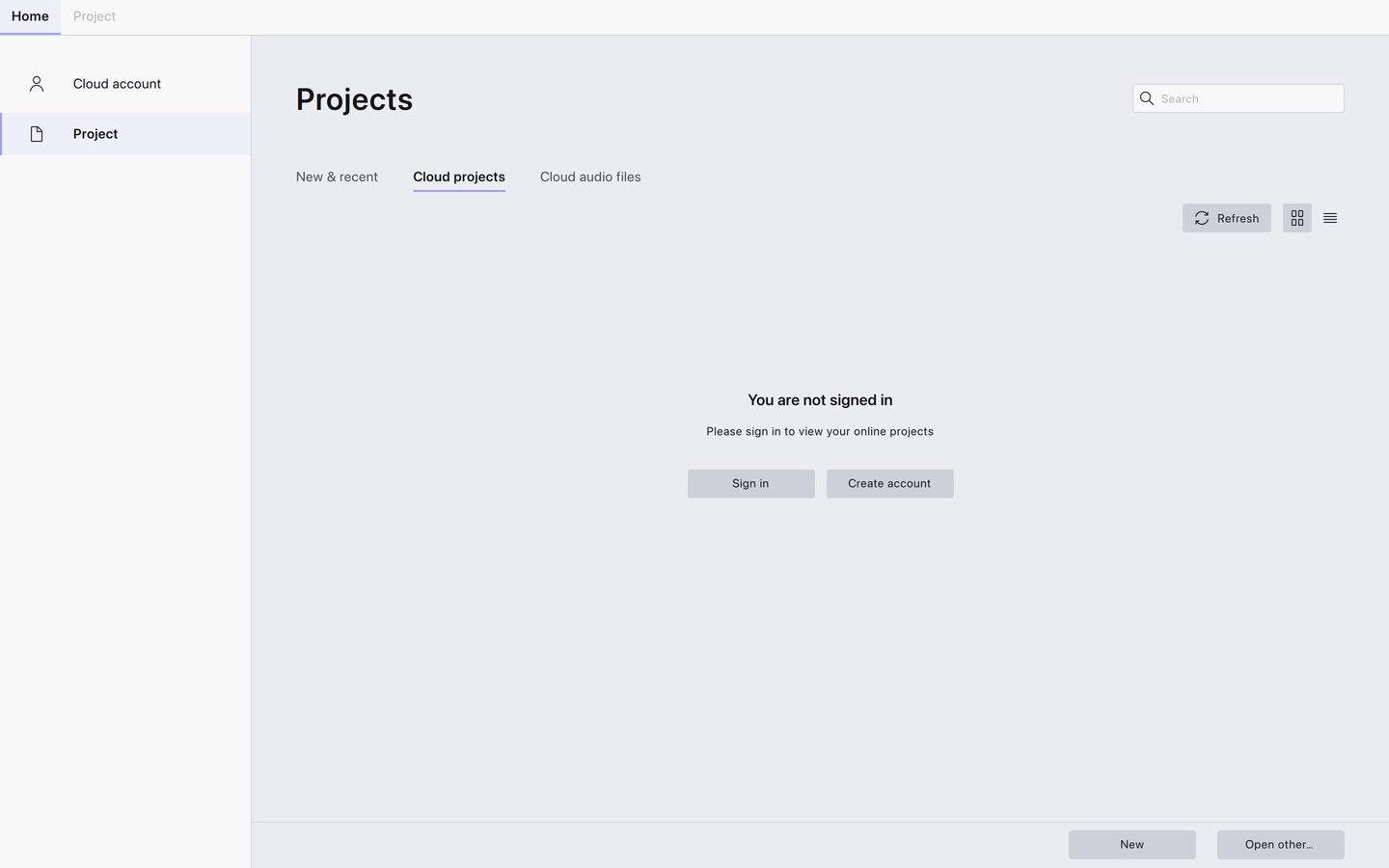
Two further tabs on the Home screen list what is held in your audio.com account. They appear only in builds where cloud support is enabled, and only fill in once you are signed in — signing out empties them again.
Cloud projects
Audacity projects you have saved to the cloud. Opening one downloads it and opens it for editing, exactly as a local project would.
Cloud audio files
Audio you have shared to audio.com. Opening one downloads the file and brings it into Audacity.
Using them
- Refresh — shown only on these two tabs, it fetches the list again.
- The search field and the Grid view / List view buttons work the same way as on New & recent.
- Both lists load more entries as you scroll, rather than all at once.
Related
Last updated