Home screen
New & Recent
The first Home tab — start a new project or reopen one you have worked on before.
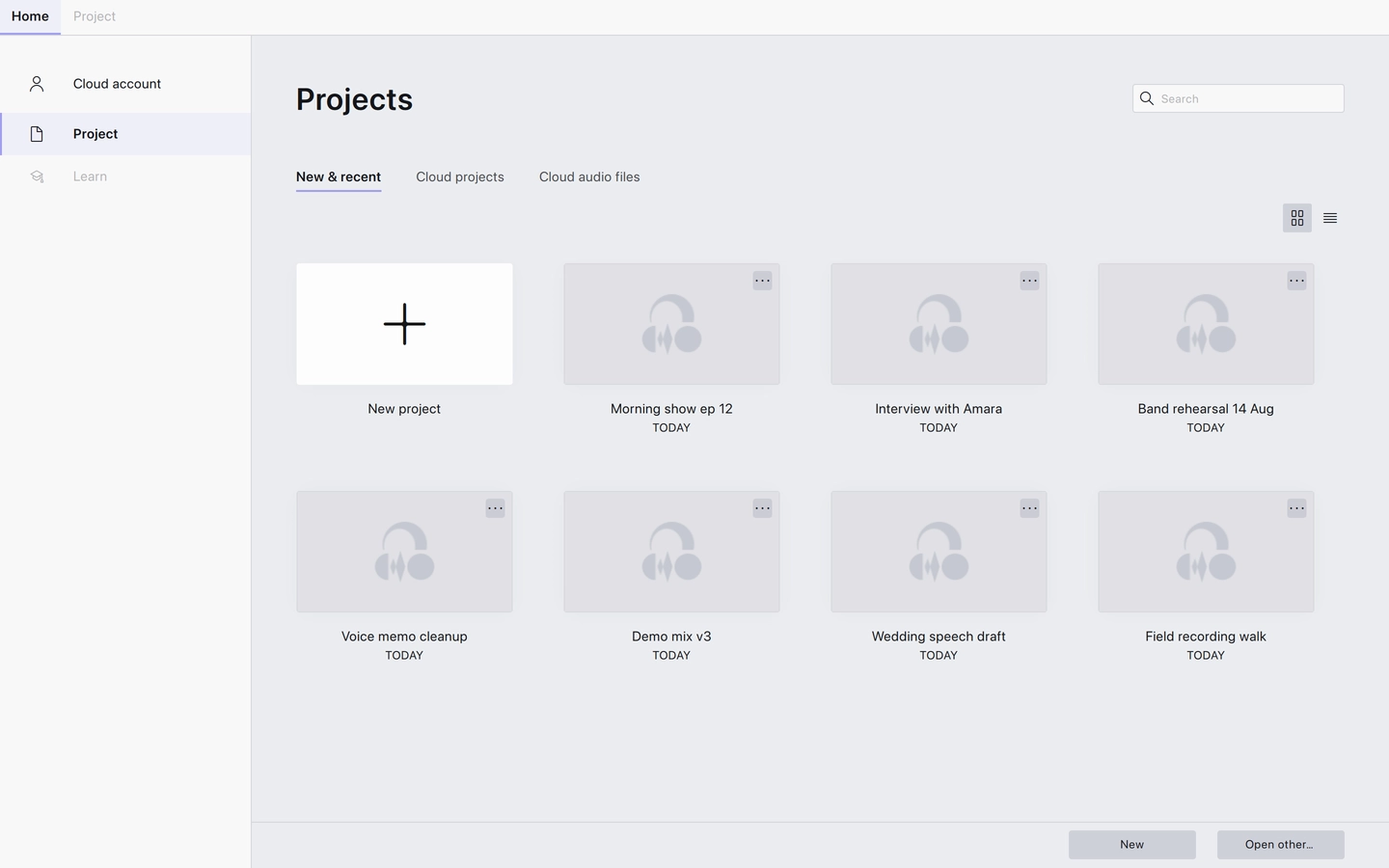
The first tab on the Home screen, and the one Audacity opens on. It shows the projects you have opened before, newest first, with an item for starting a new project at the front of the list.
Using it
- Click the new project item at the start of the list, or the New button at the bottom of the screen, to start an empty project.
- Click any other item to open that project.
- Type in the search field to narrow the list by name.
- Use the Grid view and List view buttons to switch between thumbnails and a plain list.
- Open other… opens a file dialog, for projects that are not in the list.
Notes
- Recent projects that live in the cloud open from here too — Audacity fetches them rather than looking on disk.
- The list is a record of what you have opened. Removing a project from it is not the same as deleting the file.
Related
Last updated