Timeline
Set Loop Region to Selection
Make the loop region match the current selection.
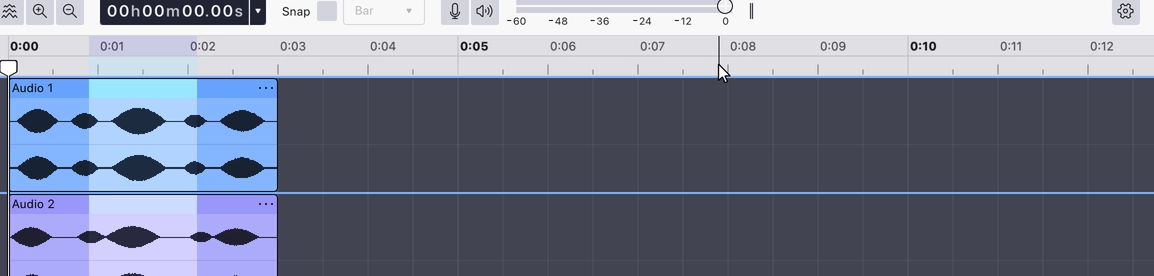
Sets the loop region to the current time selection, so you can select the passage you want to work on and loop exactly that.
If there is no time selection but clips are selected, the region is set to span those clips, from the start of the leftmost to the end of the rightmost. If nothing is selected at all, the loop region is cleared.
Where to find it
Right-click the timeline ruler and choose Set loop region to selection,
or press
Notes
- To go the other way and take the selection from the loop region, use Set selection to loop.
Last updated