Effects
Crossfade Clips
Crossfade the end of one clip into the start of the next within a single track.
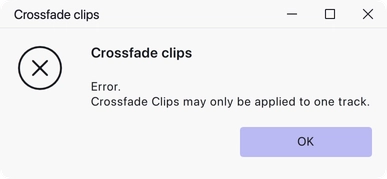
Fades one clip out while fading the next one in, so that the join between them is smooth rather than abrupt. It works within a single track, on two clips that sit side by side.
Where to find it
Effect → Fading → Crossfade clips.
How to use it
Put the two clips in the same track, then select roughly the same amount of audio from the end of the first clip and the start of the second. Applying the effect crossfades the two selected regions. The clips do not have to be touching — any gap between them is ignored.
There are no settings to adjust.
Notes
If the selection is continuous audio with no split in it, the first and second halves of the selection are crossfaded into each other instead. That is a quick way to smooth over a discontinuity or a click in a waveform: make a short selection across the glitch and apply the effect.
Two limits apply, though neither should come up in normal use. No more than two clips may be selected in each channel, and the selection may not begin or end in empty space.
Last updated