Toolbars
Music
Tempo and time signature, shown in the Music workspace.
Tempo and time signature, shown in the Music workspace.
Tempo
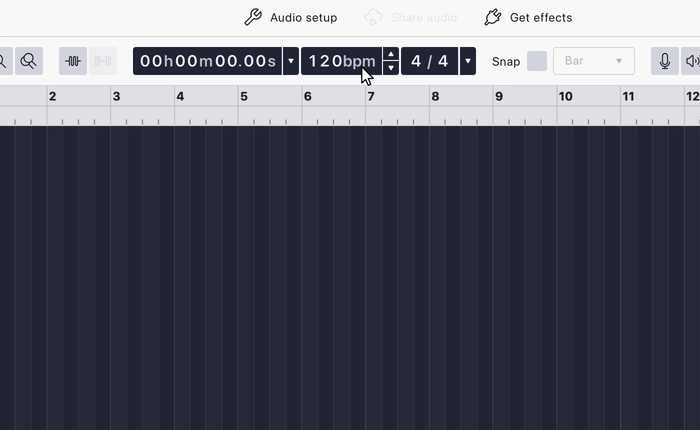
Sets the project tempo in beats per minute. It is a stepper: type a value, or use the up and down controls to nudge it.
Tempo is what makes musical positions meaningful: it drives the
beats:bars timecode format and
musical snapping.
Tempo appears in the Music workspace only; the Classic, Modern and Spectral editing workspaces do not show it. See Workspaces for switching between them.
Time Signature
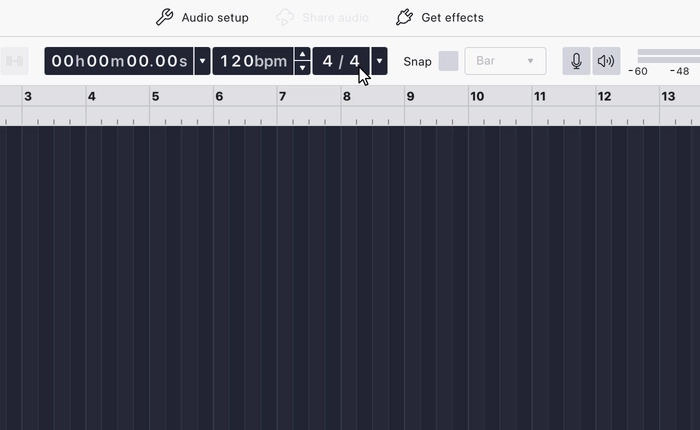
Sets the project time signature: how many beats are in a bar, and which note value counts as a beat. It is a selector: pick a signature from the list.
Together with Tempo, it decides where bar and beat lines fall,
which in turn drives the beats:bars
timecode format and the musical
subdivisions in Snapping.
Like Tempo, it appears in the Music workspace only.
Last updated