Toolbars
Microphone level
The input meter, and the level Audacity records at.
The input meter, and the level Audacity records at.
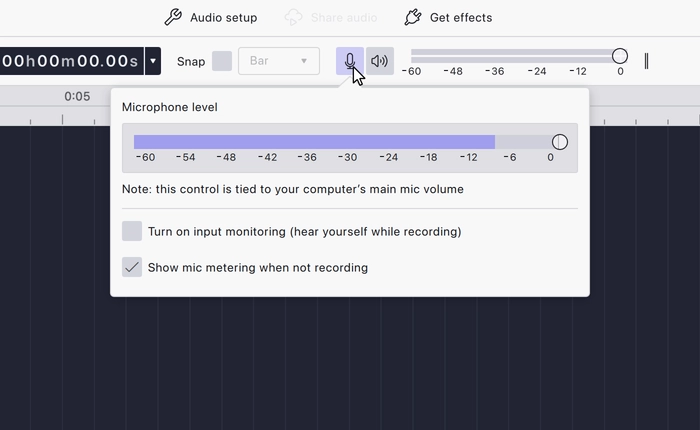
Opens the microphone settings, where you choose the input device and set the level Audacity records at.
Setting the level before you record matters: audio recorded too hot clips, and clipping cannot be undone afterwards. Watch the meter while you play or speak at the loudest part, and back the level off if it reaches the top.
It is present in every workspace.
Last updated